Auditing franchise opening hours across a network of branches
Audit holiday and normal opening hours across franchise branches with verified store IDs, local times and customer-facing regional checks.
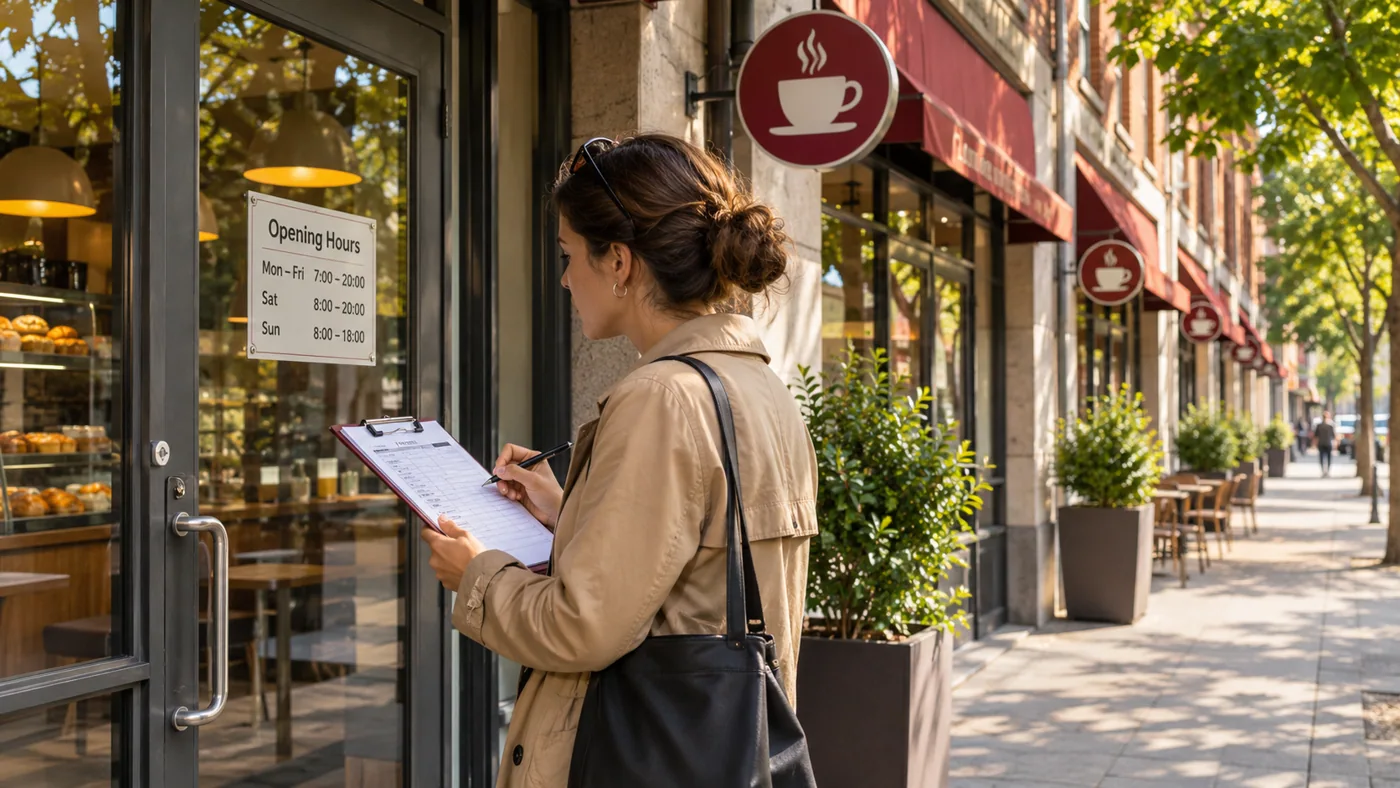
Holiday hours often reveal weaknesses in a location directory long before ordinary weekly hours do. A national campaign might show every branch as open even when several stores have updated their own holiday schedules.
Pick a list with known exceptions
Take branch IDs and verified opening hours from the franchise operator. Include a normally closed store, a store open late and a branch with a one-day exception. Compare the search result, store page and route planner for the same branch. Record the local date and time zone behind each observation. Google Places data fields reference.
Explain regional differences carefully
If a shopper’s location changes branch selection, use XtremeProxy to reproduce that regional view and explicitly select the branch when possible. A result for another store in the same city is a branch-matching issue. A matching branch with the wrong hours is a data or cache problem. This distinction helps the operator send the correction to the right owner before a customer makes a wasted journey.
Run the same fixture before and after the holiday ends. If the published listing still shows the exception a week later, the problem may lie in the expiry of overrides. Retesting on an ordinary day catches a class of errors that a one-time holiday audit never sees.
A holiday opening belongs to a single branch
A chain operates two shops on the same high street. One opens from 10 to 14 on a holiday while the other remains closed. Join the operator's exception calendar on the branch identifier and local date. Compare the published branch page, map entry and site's discovery page independently. If the general directory uses ordinary Monday hours, change the exception lookup and retest an ordinary Monday to confirm the weekly schedule remains valid.
Review cross-midnight hours and exceptions
A venue open until 02:00 can display part of its service on the following civil day. Check the operator's intended interval and the local date of the holiday exception. Separate online order hours, customer entry hours and collection-desk hours when those are distinct.
A branch-hours widget can name different times while its prominent open-now badge still uses yesterday’s schedule. Test one instant immediately after the holiday opening boundary and another after closing. Record the displayed interval and badge together so the branch owner can locate a separately cached status calculation.
Use the local date on the branch record
A centrally scheduled publication goes live at one instant, but branches in different zones may still be on different calendar days. Give each holiday exception its local effective date. Compare an early-opening branch and a late-opening branch near midnight. This exposes an incorrect date conversion without requiring live calls to the stores.
Record how the operator represents an all-day opening in its branch source. A 24-hour branch, an appointment-only branch and a closed branch can each have an empty opening-time field in different exports. Choose one verified example of each state and review the localized directory labels after ingestion. A parser that converts every blank time to closed can look convincing until one of these controls is checked. Preserve the explicit status flag and any branch notes needed to explain the display.
A branch can close for a midday break and reopen later on the same date. In an approved example, the shop operates from 09:00 to 12:00 and from 14:00 to 18:00. Check the public listing at 13:00 and inspect whether the display preserves both intervals or collapses them into one continuous span. A page that says open until 18:00 during the break can mislead even if it names the correct final closing time. Record both intervals in the branch fixture.
A branch with a lunchtime closure needs two intervals on the same date. An import that keeps only the earliest opening and latest closing would advertise service during the break, even if both endpoint times match the operator's calendar.
Related fieldwork
For a correction, identify the branch, affected service and the first local day whose entry is wrong. Keep the approved schedule revision so the regional editor can retest the fix. Seasonal branch hours focuses on seasonal branch calendars. Verifying local business closures without losing the wrong branch distinguishes a closed location from a temporary or service-specific hours change. Check XtremeProxy location coverage.
Frequently asked questions
Should a temporary holiday closure remove a branch from the directory?
Preserve the branch record and the effective exception. Permanent closure, temporary closure and shorter hours represent different conditions for customers and downstream publishers.